
Government Ready Website Compliance Guide
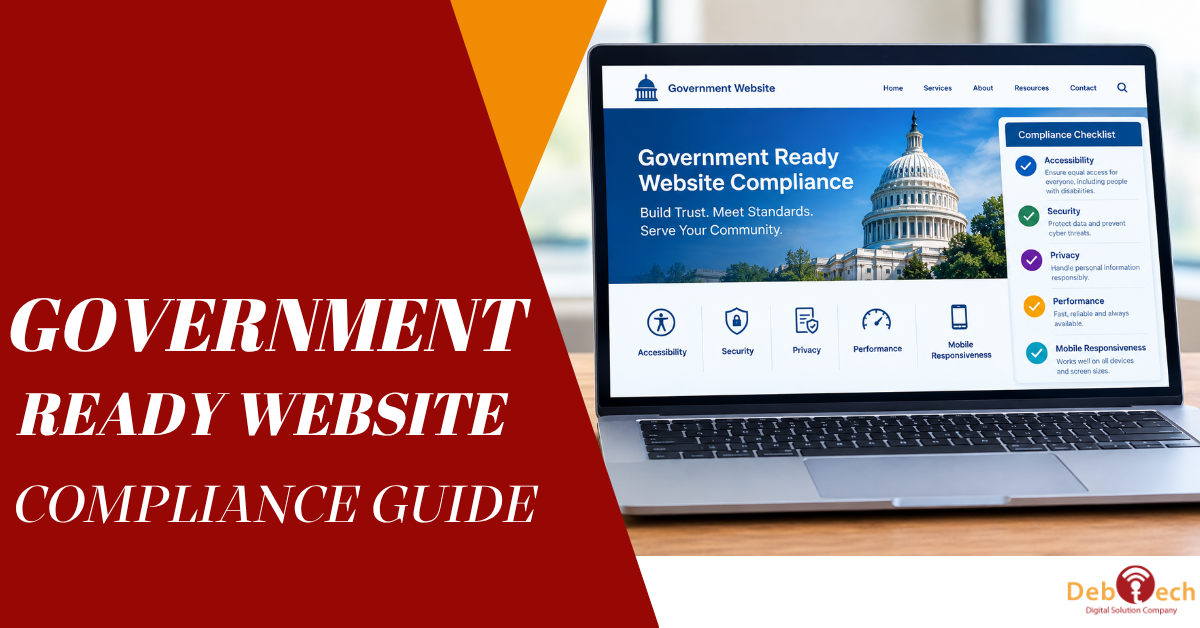
A government-ready website is not a fresh coat of red, white, and blue on a commercial site. It is a digital property that can withstand scrutiny from procurement teams, accessibility reviewers, security stakeholders, and the citizens or employees who rely on it. This government ready website compliance guide focuses on the work that makes a site credible before a contract opportunity, RFP response, or public-sector partnership puts it under a microscope.
For government-adjacent businesses, the website often becomes evidence. It shows whether your organization understands accessibility, protects information, publishes clear policies, and operates with the discipline public-sector work demands. A beautiful website that fails on mobile, hides essential policies, or blocks keyboard navigation can weaken confidence long before a conversation with procurement begins.
What Government-Ready Actually Means
Government-ready does not mean every business must meet the exact same requirements. A local government vendor, a federal subcontractor, and a company operating a public-facing application may each face different contractual and technical expectations. The right standard depends on the agency, the type of information handled, the services delivered, and the language in the solicitation or agreement.
Still, several baseline expectations apply across most situations: accessible user experiences, sound security practices, transparent privacy handling, reliable content governance, and evidence that the site is actively maintained. These are operational requirements, not one-time website features.
The practical goal is simple: build a site that is easy to use, defensible in review, and supported by documented processes. That protects your reputation while reducing avoidable remediation when an opportunity moves quickly.
Government Ready Website Compliance Guide: Start With Accessibility
Accessibility is usually the first visible test of whether a website is prepared for public-sector expectations. Section 508 applies to federal agencies and certain related contexts, while the Web Content Accessibility Guidelines, commonly called WCAG, provide the technical framework many organizations use to evaluate accessibility. Contract requirements vary, so treat the solicitation as the source of truth rather than assuming a single standard fits every engagement.
Accessibility cannot be reduced to adding an overlay or running an automated scan. Automated tools are useful for finding obvious issues, but they do not confirm whether a real person can complete a form, understand an error message, or navigate a complex menu using only a keyboard.
A meaningful accessibility review should test the website with keyboard-only navigation, screen-reader behavior, zoomed text, and mobile devices. It should also examine whether forms identify required fields, errors explain what needs fixing, videos include captions when appropriate, and documents are usable rather than scanned images masquerading as PDFs.
Build accessible design into the system
The least expensive time to address accessibility is during design and development. A clear heading hierarchy, sufficient color contrast, visible focus states, descriptive button labels, and properly structured forms prevent a long list of downstream fixes.
Content teams also need guardrails. An accessible website can become inaccessible after a few routine updates if editors upload unlabeled images, use headings for visual styling, or publish inaccessible documents. Establish publishing standards, train contributors, and make accessibility checks part of the approval process.
Treat Security as a Business Requirement
A public website is a common target because it is always visible, frequently updated, and often connected to forms, analytics platforms, CRMs, payment tools, or applicant systems. Government readiness requires more than a padlock icon in the browser. It requires practical controls that reduce exposure and demonstrate accountability.
At a minimum, use HTTPS across the full site, maintain the CMS and plugins, restrict administrator access, require strong authentication, apply least-privilege permissions, and maintain tested backups. If your site collects contact details, applications, account credentials, or any sensitive information, map where that data goes and who can access it.
Security expectations increase with the risk. A marketing site with a basic contact form is not evaluated the same way as a portal handling regulated or agency data. If a project involves government information, hosting requirements, software integrations, or a cloud application, security obligations may be far more specific. Those requirements should be confirmed before architecture decisions are made, not after launch.
Keep third-party tools under control
Marketing and tracking scripts can create unexpected compliance problems. Every chat widget, form provider, pixel, video embed, and analytics tag can affect performance, privacy, accessibility, and data handling. Keep an inventory of third-party services, remove tools that no longer serve a clear purpose, and review what each vendor collects.
This is where commercial goals and compliance goals often align. A leaner website typically loads faster, is easier to maintain, and gives users more confidence than a page crowded with unnecessary scripts.
Publish Clear Privacy, Terms, and Contact Information
Trust signals matter when buyers, procurement officials, and partners are assessing risk. Your website should make it easy to identify your legal business name, business contact information, and the purpose of the information you collect.
A privacy notice should explain what data the site collects, why it is collected, how it is used, whether it is shared, and how users can ask questions or exercise applicable rights. Do not copy language from another company or publish promises your systems cannot support. Policies should reflect actual practices, including form submissions, email marketing tools, analytics, cookies, and recruitment workflows.
If the organization uses cookies or tracking technologies, ensure consent and disclosure practices match the jurisdictions and audiences you serve. Requirements can differ by state, contract, and audience. A legal review is worthwhile when the site collects sensitive information or supports a high-risk use case.
Make Content Accurate, Findable, and Maintainable
Compliance is not only technical. Outdated leadership pages, expired certifications, broken documents, and old privacy notices signal weak governance. In a public-sector context, they can create doubts about whether the organization is reliable enough to manage a larger engagement.
Assign ownership for key website areas: policies, accessibility statements, services, certifications, leadership bios, forms, and downloadable materials. Set review dates for information that changes regularly. When an employee leaves or a platform changes, the website should not be the last place the old information remains.
Use plain language where possible. Government users and the public should be able to understand what you do, who you serve, and how to contact you without decoding marketing jargon. Clear content also improves conversion because it reduces uncertainty for every visitor, not only compliance reviewers.
Design for Mobile, Performance, and Reliable Access
A compliant message is wasted if users cannot load the page or complete the action. Mobile usability, page speed, and basic reliability are part of a credible digital experience, particularly for users accessing services from phones, older devices, or limited connections.
Test priority pages on real mobile devices. Confirm that menus work, forms can be completed, text remains readable when enlarged, and important calls to action are not hidden behind intrusive pop-ups. Large media files, bloated themes, and excessive third-party scripts often create problems that hurt both accessibility and conversion rates.
Plan for failure as well. Contact forms should provide confirmation messages, error states should be understandable, and essential contact methods should not depend on a single plugin or external widget. For high-value forms, test where submissions are delivered and who responds to them.
Create Evidence Before You Need It
The difference between a claim and a procurement-ready position is documentation. Keep records of accessibility reviews, remediation work, security updates, backup processes, software inventories, policy approvals, and staff responsibilities. The level of documentation should match the opportunity, but a basic recordkeeping habit pays off in every case.
An accessibility statement can be useful when it accurately describes your commitment, the standards you use, and a clear method for reporting barriers. It is not a substitute for fixing known issues. The same principle applies to security and privacy language: publish only what you can demonstrate.
For teams in the DC metro area competing for government-related work, this preparation can shorten the scramble that often follows an RFP release. Instead of rebuilding the site under pressure, you can focus on the specific contract requirements that actually affect the opportunity.
A Practical Review Process
Start with an audit of your highest-impact pages: the homepage, service pages, contact forms, careers pages, resource library, and any portal or account area. Review accessibility, mobile behavior, page performance, security configuration, data collection, and policy accuracy. Then prioritize fixes by risk and user impact.
A sensible sequence is to correct barriers that prevent users from completing key tasks, close clear security gaps, update misleading or outdated policies, and establish ownership for ongoing maintenance. After that, address deeper structural improvements such as CMS templates, content workflows, and integrations.
Do not wait for a procurement questionnaire to reveal what your website cannot support. A government-ready site should make your organization easier to trust, easier to evaluate, and easier to work with. That is not paperwork for its own sake. It is a digital operating standard that supports stronger opportunities and better experiences for every visitor.